
Authentication
Authenticated endpoints require a Bearer token from Routee.
Prerequisites: Create a Routee application
Before using the Failover OTP service, you must create a new application in the Routee portal and use that application for all API calls.
| Requirement | Details |
|---|---|
| Where | Routee Applications (https://go.routee.net/management/applications) |
| Token expiration | Set Token Expiration to Unlimited. This is required for the service to work correctly. |
| Usage | Use this application’s credentials (Application ID and Application Secret) for authentication. |
If token expiration is not set to Unlimited, the service may not work as expected.
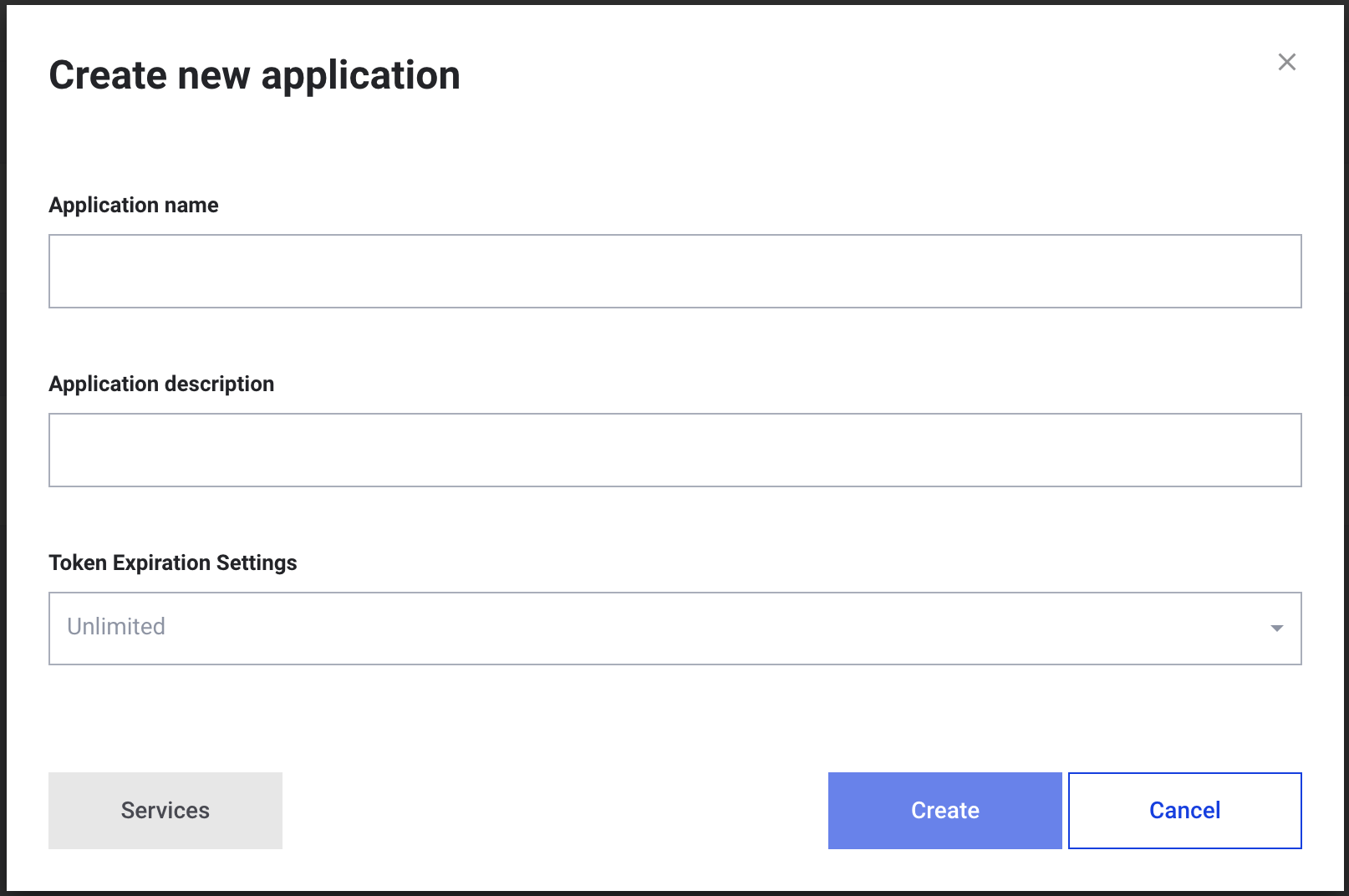
Create new application with Token Expiration Settings: Unlimited
Obtaining and using a Bearer token
-
Obtain your Application ID and Application Secret from your application in the Routee Applications page.
-
Request an access token:
POST https://auth.routee.net/oauth/token Authorization: Basic <base64(applicationId:applicationSecret)> Content-Type: application/x-www-form-urlencoded grant_type=client_credentials -
Use the returned access_token in all authenticated requests:
Authorization: Bearer <access_token>
With Token Expiration set to Unlimited, your tokens do not expire. On 401 or 403 (e.g. revoked credentials or invalid token), obtain a new token and retry.
Updated 3 months ago
What’s Next